 KOKO
Looks like your theme built it.
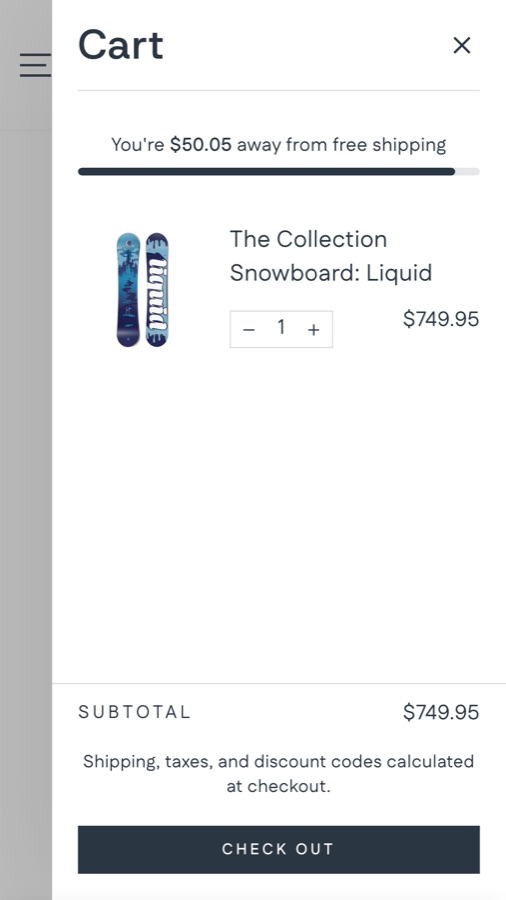
Quantity tiers, add-ons, a sticky mobile Add to Cart and a cart shipping bar, styled to match your store. Change any of it by just asking KOKO. It runs its own discounts, so every total agrees with checkout.
Everything that raises order value
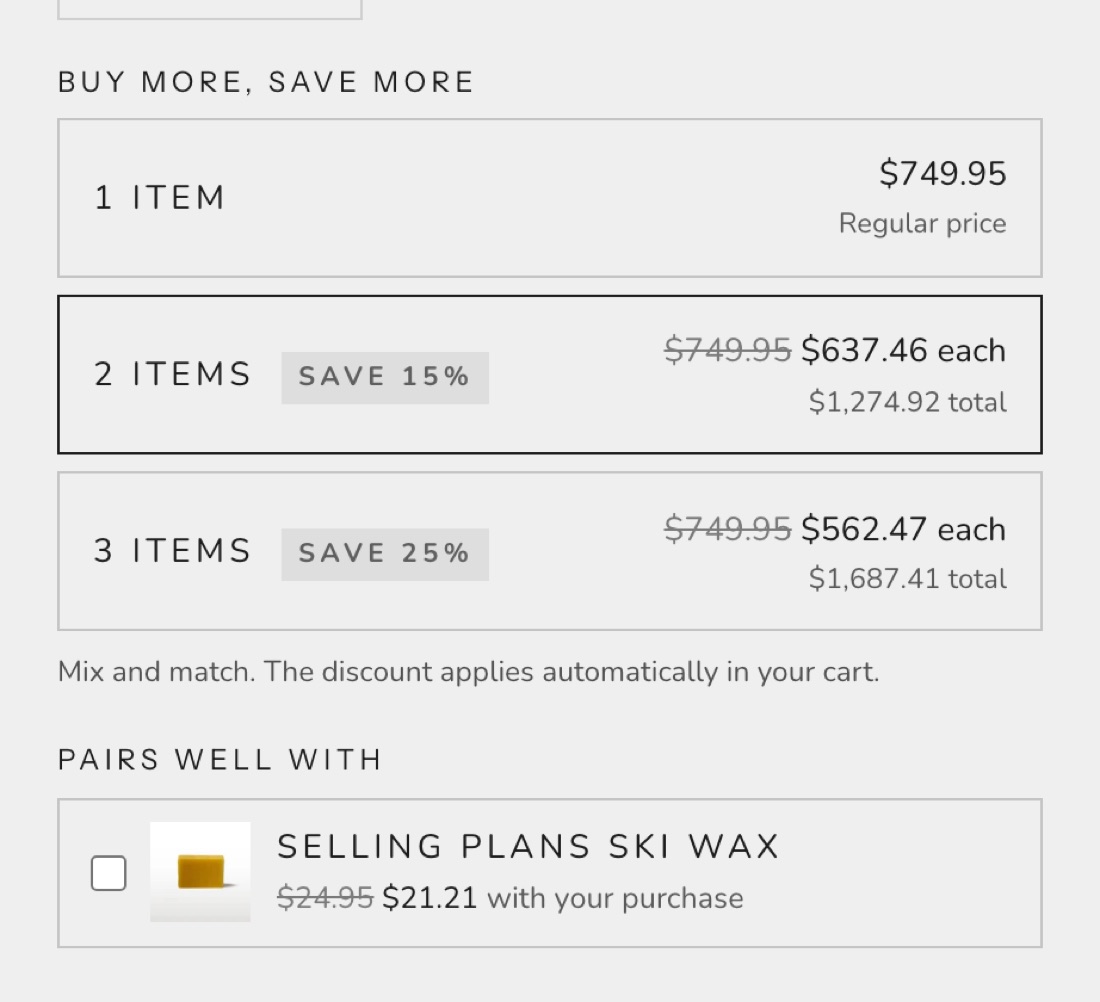
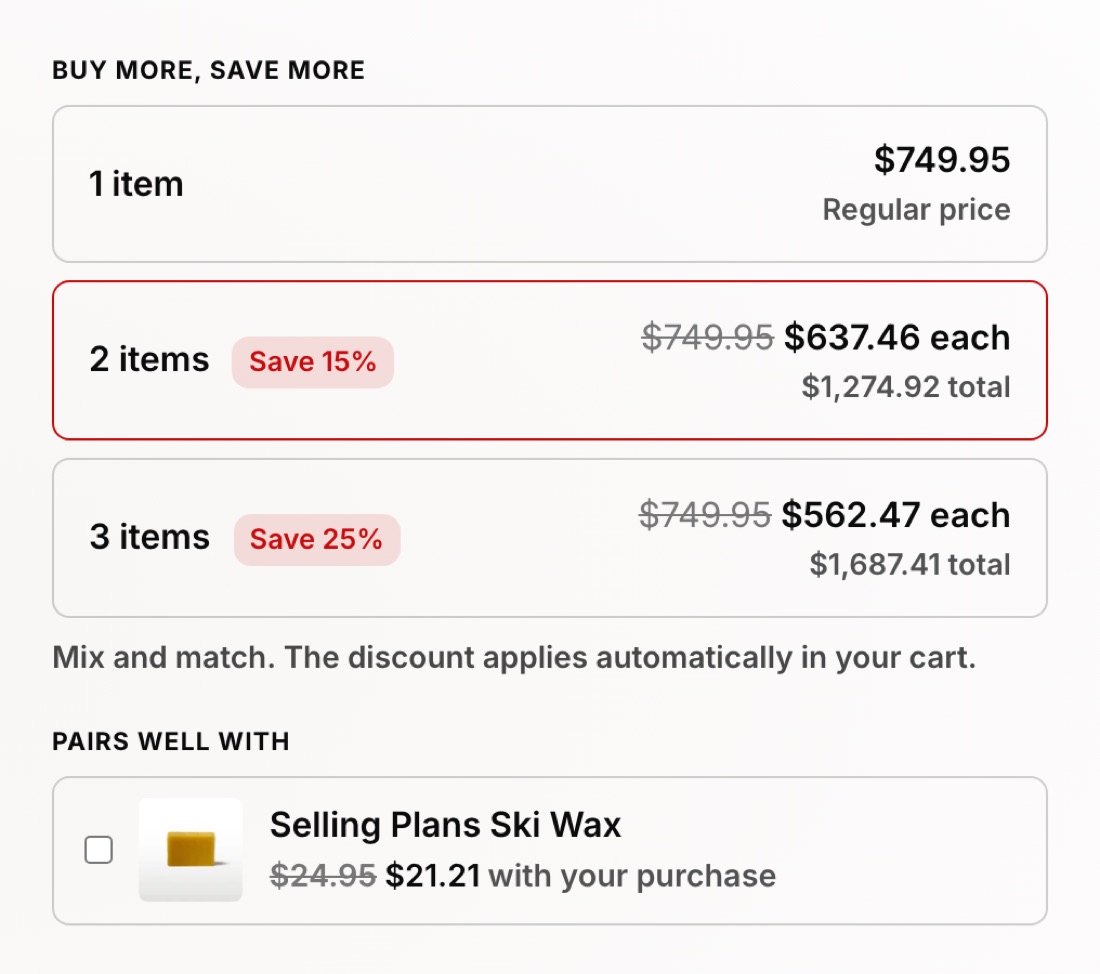
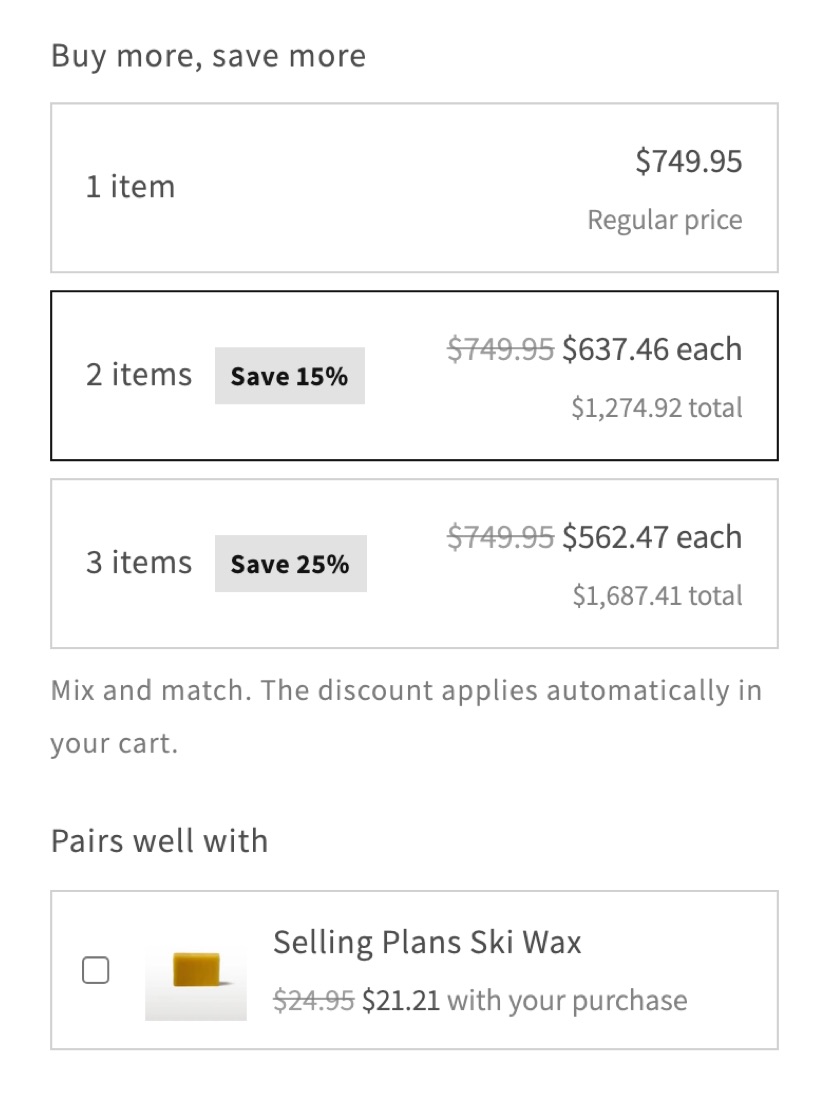
Buy more, save more
Set a discount for 2 items and for 3 or more. Shoppers see the tiers above Add to Cart, and any mix of your chosen products counts. Picking 2 or 3 opens a color picker for each item, so a black and a tan still get the discount.
Pairs well with
Show add-on products with their discounted amount and a checkbox. Checked add-ons go into the cart with the main product.
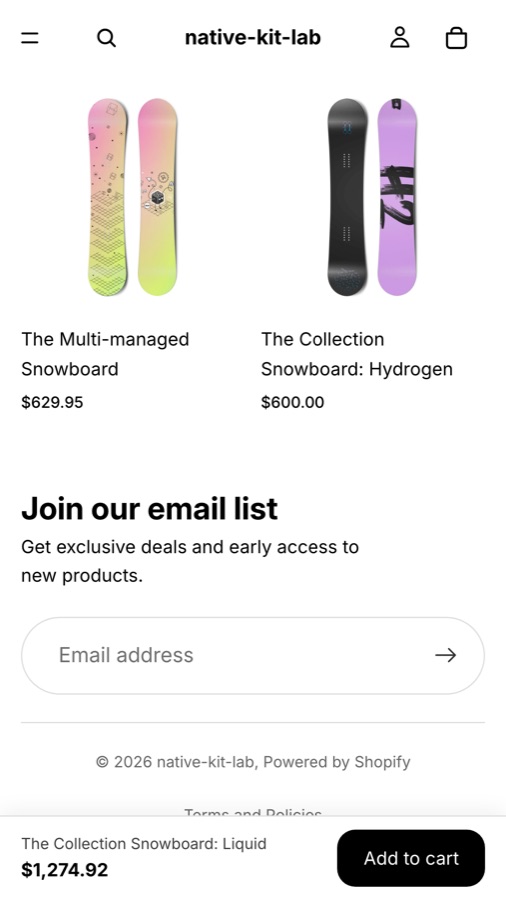
Sticky mobile Add to Cart
On phones, a bar follows shoppers down the page with the live tier total, and steps aside when the cart opens.
A shipping goal in the cart
"You're $6.40 away from free shipping," updated as the cart changes. KOKO creates the matching shipping discount, so the promise always holds.
Describe a change. See it. Approve it.
Type what you want, like "put a Most popular tag on the 3-pack" or "make the 2-item discount 25%". KOKO previews the change on your own product page and shows you before and after. Shoppers see nothing until you approve, checkout keeps your current prices until then, and every change can be undone.
It checks its own work
KOKO looks at the change on a phone and a computer screen, and for price changes confirms the discount with Shopify and a test cart. If anything doesn't match, your old prices come back.
How your offer is doing
After each change, KOKO counts your orders: how many used the deal, how much it took off, and how many bought 2 or more, compared with the same number of days before. It only calls a result when the difference is bigger than normal swings.
The page, the button and checkout say the same number
Bolt-on discount apps often show one total on the product page and another at checkout. KOKO takes the discount off each item the same way Shopify does, rounded down to the cent, and Check my store builds test carts to prove it before you go live.
Running in about ten minutes
Set your tiers
Choose the discounts, products, add-ons and shipping goal, then save. KOKO creates and manages the discounts.
Add it to your theme
Four links open your theme editor with each piece ready to drop in. No code, and uninstalling removes everything cleanly.
Match and check
Match my theme studies your product page and adjusts the lettering, corners and colors. Check my store confirms totals match.
- Or $499 a year, two months on us
- 30-day trial, cancel anytime from your Shopify admin
- Every feature, Ask KOKO, theme matching and store checks
- Billed through Shopify
Before you install
Which themes does KOKO work with?
Any Online Store 2.0 theme. We test on Dawn, Horizon, Prestige, Impulse and Palo Alto, including themes that hide the quantity box or draw their own dropdowns.
Do I need to edit theme code?
No. KOKO uses Shopify's theme app blocks and embeds. You place them from the theme editor, and uninstalling removes them.
Can KOKO change my store without me?
No. Ask KOKO only saves drafts; nothing reaches shoppers or checkout until you click Approve, and Undo puts the previous version back. Turn KOKO off pauses everything KOKO shows and turns back on any discounts it replaced.
Does it work with my other discounts?
KOKO's tier and add-on discounts work together, and they combine with its shipping discount. If you already run a buy-more-save-more discount on the same products, KOKO lists it and can turn it off when KOKO goes on, so the two don't compete. Discount codes don't stack on top of a tier, so shoppers get the better of the two.
What does KOKO look at?
Your public product page (to match your theme and preview changes) and, for results, your order totals and products from the last 60 days. Never who bought: no names, emails or addresses. Details are in the privacy policy.
What if something looks off?
Run Check my store, then email john@firstpull.com. We reply within one business day and can fix it for you.